How to Export All Rows From a Paginated Web Table, Even 1000+ Rows
You're looking at a table in your browser with 2,000 contacts, but the page only shows 50 at a time. The platform's native export is slow, limited, or doesn't exist. You need all the rows in Excel. Sound familiar?
HTML Table Exporter's Scroll Capture feature captures every row from paginated and virtualized tables with one click, and exports them to CSV, Excel, JSON, NDJSON, or SQL. 100% local processing.
Why paginated tables are hard to export
Modern web applications - especially business platforms, marketing tools, and data dashboards - display data in paginated or virtualized tables. Instead of loading thousands of rows at once, they show 25–50 rows per page and load the rest on demand.
This is great for performance, but terrible for data export:
- Native export limits — Many platforms cap their built-in export at a few hundred rows, or require premium plans to export at all
- No export button — Some tools simply don't have a "download all" option for list views
- Dirty data — When platforms do export, the output often includes internal IDs, UI artifacts, and inconsistent formatting
- Pagination breaks copy-paste — You can't select across pages. Copying page by page loses structure and introduces duplicates
Virtualized vs. paginated
Paginated tables have explicit page buttons (1, 2, 3...). Virtualized tables render only the visible rows and swap them out as you scroll — the DOM never contains all the data at once. Both require special handling to export fully.
4 methods compared
Here's a realistic comparison of how people typically try to solve this:
| Method | Row Limit | Effort | Data Quality | Complexity |
|---|---|---|---|---|
| Manual copy-paste | ~50/page | Very high | Poor (formatting breaks) | Yes |
| Platform's native export | Varies (often capped) | Low | Medium (extra columns/IDs) | Yes |
| Python script | Unlimited | Very high (coding required) | High | Complex setup |
| Scroll Capture (browser extension) | Unlimited | One click | High (cleaned data) | Simple |
Scroll Capture: the automated approach
Scroll Capture is a feature in HTML Table Exporter PRO that automates the entire process of capturing all rows from paginated and virtualized tables.
Instead of manually navigating through 57 pages of contacts, you click one button. The extension captures every row and builds a clean dataset that you can export to any format.
Scroll Capture captures all rows from enterprise tables automatically
How it works step by step
Navigate to your table
Open the web application page that contains the paginated table you want to export.
Open HTML Table Exporter
Click the extension icon. It automatically detects the table and shows a "Scroll Capture" option for supported platforms.
Start Scroll Capture
Click the Scroll Capture button. A confirmation modal shows you what will happen and how long it might take.
Wait for capture to complete
Progress shows in the extension icon badge. When done, you'll see the total rows captured.
Export your data
When capture completes, export all rows to CSV, Excel (XLSX), JSON, NDJSON, or SQL. Data is automatically cleaned and normalized.
Privacy and local processing
A key consideration when exporting data from business platforms is where that data goes. Scroll Capture processes everything locally in your browser — no data is uploaded to external servers, and no account is required.
This makes it suitable for enterprise environments where data governance is strict. The extension is GDPR compliant by design.
Common use cases
Sales operations
Exporting contact and lead lists from business platforms for enrichment, analysis, or import into other tools. Typical exports: 500–5,000 records from list views.
Marketing teams
Pulling campaign data, deal pipelines, or customer segments from marketing automation dashboards. The native export often doesn't include all the fields you need.
Data analysts
Extracting data from enterprise applications into Excel, Pandas, or SQL for analysis. Scroll Capture eliminates the manual work of paging through results.
Revenue operations
Consolidating data from multiple platforms into a single view. When each platform only shows 50 rows at a time, doing this manually is a full-day job.
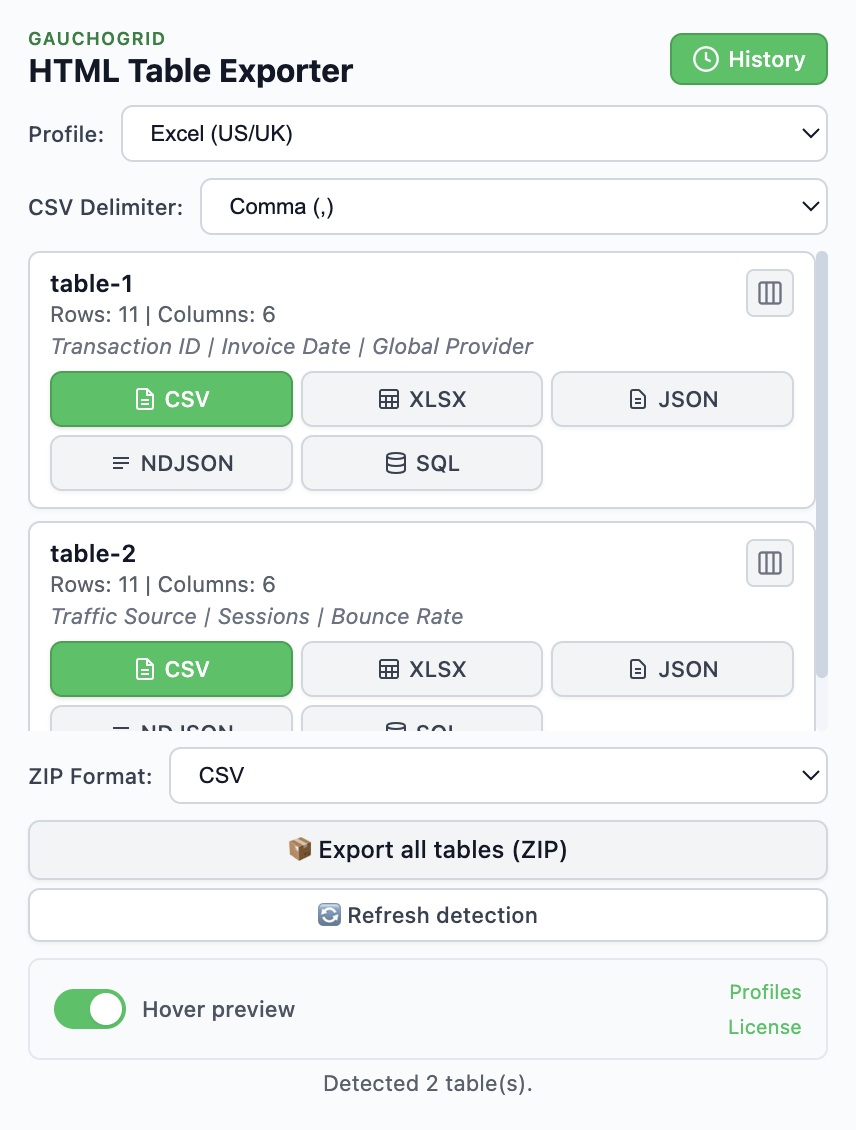
Stop paging through tables manually
Scroll Capture exports all rows from paginated tables. One click, complete datasets, 5 export formats.
Free version available · PRO unlocks Scroll Capture · 14-day money-back