Web Scraper Alternative: Export Tables Without Python
You need data from a website table. The developer in you thinks: "I'll write a quick Python script with BeautifulSoup." Two hours later, you're debugging encoding issues and fighting anti-bot measures. Sound familiar?
For one-off table exports: Skip the scraper. Use HTML Table Exporter to export most visible tables to CSV, Excel, or JSON quickly. No code, no setup, no API keys.
The web scraper pain points
Web scraping seems simple until you actually do it. Here's what typically goes wrong:
- JavaScript-rendered content — Your requests.get() returns empty tables because the data loads via JavaScript. Now you need Selenium or Playwright.
- Anti-bot measures — Sites detect automated requests and block them. You need headers, delays, rotating proxies.
- Encoding nightmares — Characters come through mangled. Currency symbols, accents, special characters—all broken.
- HTML structure changes — The site updates their layout. Your carefully crafted selectors break.
- Login walls — The data is behind authentication. Now you're managing sessions and cookies.
- Rate limiting — You get blocked after 10 requests. Time to implement backoff logic.
For a production data pipeline that runs daily, you solve these problems once and move on. But for grabbing a table for a quick analysis? It's massive overkill.
The hidden cost of "quick" scripts
A "quick" Python scraper typically takes 30-60 minutes to write, test, and debug. If you're exporting tables weekly, that's fine. If it's a one-time export, you've wasted an hour.
When you actually need a web scraper
Web scrapers make sense for specific use cases:
- Automated pipelines — Data needs to be fetched daily/hourly without human intervention
- Bulk extraction — You need data from hundreds or thousands of pages
- API replacement — The site doesn't offer an API and you need programmatic access
- Historical data — You're collecting data over time for trend analysis
- Integration — Data needs to flow directly into your database or application
If your use case matches these, yes—write the scraper. Tools like Scrapy, Puppeteer, or Playwright are the right choice.
When a browser extension is better
For everything else, a browser extension wins:
| Scenario | Scraper | Browser Extension |
|---|---|---|
| One-time export | Overkill | Perfect |
| Data behind login | Complex auth handling | Already logged in |
| JavaScript tables | Needs headless browser | Sees rendered DOM |
| Quick analysis | 30-60 min setup | 5 seconds |
| Non-technical users | Not accessible | Click and export |
| Automated daily job | Right tool | Manual trigger needed |
| Thousands of pages | Right tool | Not practical |
Skip the scraper — export tables quickly
The key insight: browser extensions see exactly what you see. If a table is visible in your browser, the extension can export it—regardless of how the data got there (JavaScript, authentication, dynamic loading).
Time comparison: Scraper vs. Extension
Let's compare exporting a table from a financial site:
With a Python scraper
- Write initial script with requests + BeautifulSoup (15 min)
- Discover data loads via JavaScript
- Rewrite with Selenium (20 min)
- Debug ChromeDriver version issues (10 min)
- Handle dynamic table loading with waits (10 min)
- Fix encoding issues in output (5 min)
- Export to CSV (2 min)
Total: ~60 minutes
With HTML Table Exporter
- Install extension (10 seconds, one-time)
- Navigate to page, wait for table to load
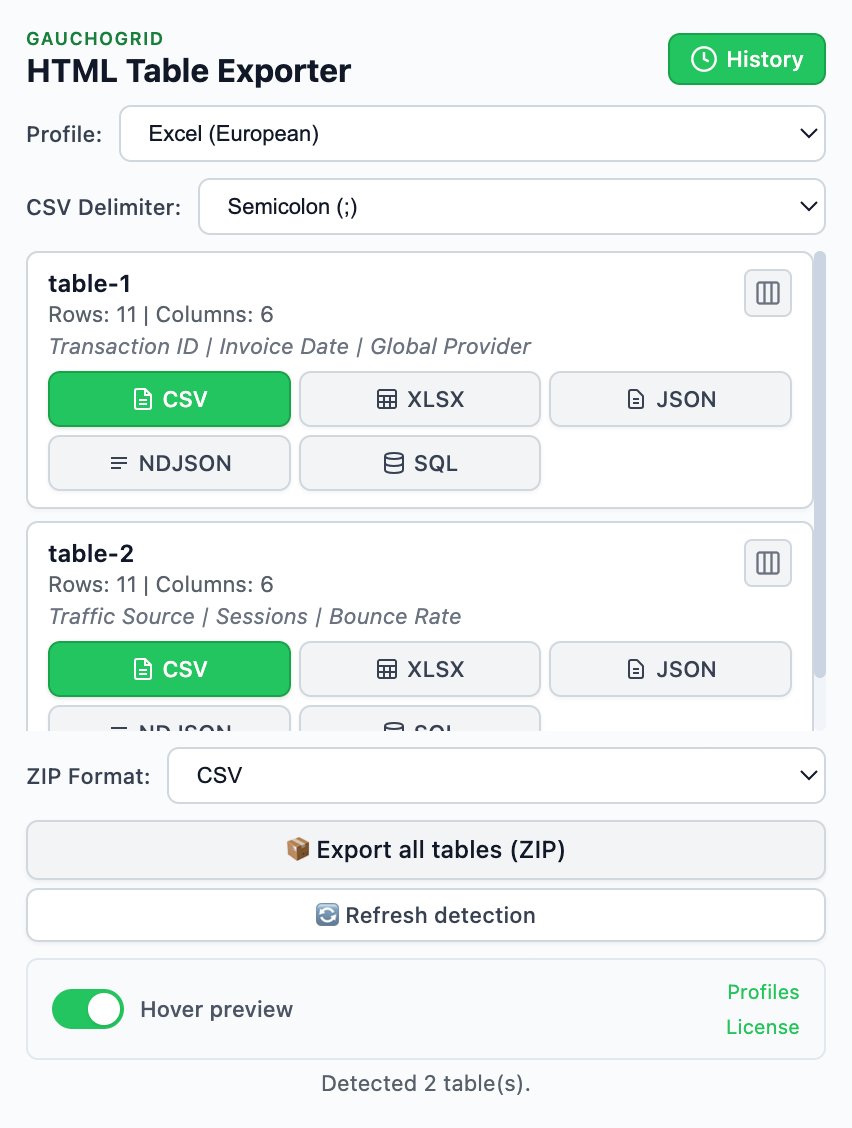
- Click extension icon
- Click CSV (or XLSX, JSON)
Total: ~30 seconds
How browser extension export works
Unlike scrapers that make external HTTP requests, browser extensions run inside your browser session:
Install once
Add HTML Table Exporter to Chrome. No account, no API key, no configuration.
Navigate to your data
Go to any page with tables. Log in if needed—the extension uses your existing session. Click on a table to pre-select it.
Click and export
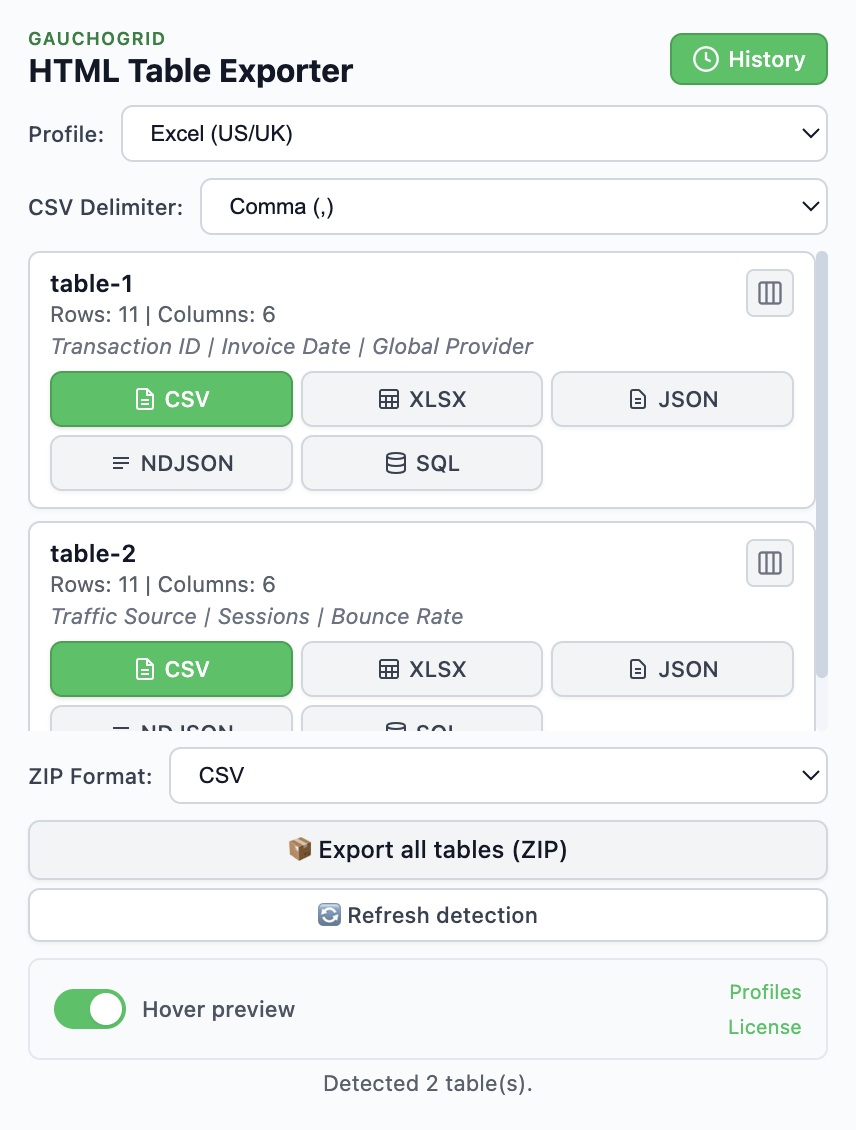
Click the extension icon. All tables are detected automatically. Click your format: CSV, XLSX, or JSON.
Use your data
File downloads immediately. Open in Excel, import to Python with pandas, or process however you need.
Export formats for different workflows
Different formats serve different purposes:
| Format | Best For | Availability |
|---|---|---|
| CSV | Universal compatibility, Python/R import | Free |
| XLSX | Excel users, preserved formatting | Free |
| JSON | Web APIs, JavaScript processing | Free |
| NDJSON | BigQuery, streaming pipelines | PRO |
| SQL | Database imports | PRO |
Loading exports in Python
Once exported, loading into pandas is trivial:
# CSV
import pandas as pd
df = pd.read_csv('table.csv')

# JSON
df = pd.read_json('table.json')

# Excel
df = pd.read_excel('table.xlsx')
No parsing code, no selector debugging, no encoding fixes. The extension handles all of that.
PRO tip: Export profiles
HTML Table Exporter PRO lets you save export profiles (column selection, data cleaning rules, format settings). Perfect if you export similar tables regularly.
When to graduate to a scraper
Start with the extension. Graduate to a scraper when:
- You're exporting the same table more than once per day
- You need data from 50+ pages
- The export needs to happen automatically (no human trigger)
- Data needs to flow directly into a database or API
Many analysts use both: extensions for quick ad-hoc exports, scrapers for production pipelines.
Skip the scraper for one-off exports
Export most visible HTML tables to CSV, Excel, or JSON quickly. No code, no setup, no API keys.
No Python needed · Fast exports · Zero setup