HTML Table Exporter vs Table Capture: Full Comparison
Looking for a Chrome extension to export HTML tables? Table Capture and HTML Table Exporter are two popular options. Here's an honest comparison to help you choose.
Disclosure
We make HTML Table Exporter. We'll be as objective as possible, but you should know that upfront. Try both and decide for yourself.
HTML Table Exporter wins on free features (unlimited rows, free Excel export, zero tracking). Table Capture wins if you need Google Sheets integration or PDF table capture.
Quick comparison table
| Feature | HTML Table Exporter | Table Capture |
|---|---|---|
| Row Limits (Free) | ✓ Unlimited | ✗ 250 rows max |
| Row Limits (Pro) | ✓ Unlimited | ✗ 1,000 rows (Basic) |
| CSV Export | ✓ Free | ✓ Free (250 rows) |
| Excel (XLSX) Export | ✓ Free | ✗ PRO only |
| JSON Export | ✓ Free | ✓ Free (250 rows) |
| NDJSON Export | ✓ PRO | ✗ |
| SQL Export | ✓ PRO | ✗ |
| Markdown Export | ✗ | ✓ PRO |
| Google Sheets Integration | ✗ | ✓ PRO (requires login) |
| Automatic Data Cleaning | ✓ PRO | ✗ |
| Reusable Export Profiles | ✓ PRO | ✗ |
| Export History | ✓ PRO | ✗ |
| Column Selection | ✓ PRO | ✓ PRO |
| Hover Preview | ✓ PRO | ✓ Free |
| Batch Export (ZIP) | ✓ Free | ✓ Free |
| PDF Table Capture | ✗ | ✓ PRO |
| Auto-paging | ✗ | ✓ PRO |
| No Network Permissions | ✓ | ✗ |
| No Analytics/Telemetry | ✓ Zero data collection | ✗ Google Analytics |
Try the winner — unlimited rows, free Excel export
Row limits: The hidden gotcha
This is important
Table Capture limits how many rows you can export. This isn't obvious until you hit the limit mid-export.
Table Capture has hard row limits on exports:
- Free: Maximum 250 rows per export
- Pro Basic ($1/month): Maximum 1,000 rows per export
- Pro Max ($10/month): Unlimited rows
HTML Table Exporter has no row limits on any tier. Export tables with 10 rows or 10,000 rows—same experience.
If you regularly work with large tables (financial data, product catalogs, research datasets), this difference alone may determine your choice.
Export formats
Both extensions cover the basics, but with important differences in what's free vs. paid.
HTML Table Exporter
- Free: CSV, Excel (XLSX), JSON — no limits
- PRO: Everything free + NDJSON and SQL INSERT statements
Table Capture
- Free: CSV, JSON — limited to 250 rows
- PRO: Excel (XLSX), Markdown, Google Sheets, PDF capture
Key difference: Excel export is free in HTML Table Exporter but requires PRO in Table Capture.
HTML Table Exporter adds two formats designed for data professionals:
- NDJSON (Newline-delimited JSON) — Each row is a separate JSON object. Great for streaming data pipelines, BigQuery imports, and log processing systems.
- SQL INSERT statements — Ready-to-run SQL to insert your data into a database. Choose your table name, and the extension generates the INSERT statements.
Data cleaning and normalization
This is where the extensions differ significantly.
Table Capture exports data as-is. Whatever formatting exists in the HTML table is what you get. This means you'll often need to clean the data in Excel or Python afterward.
HTML Table Exporter PRO includes automatic data cleaning presets that normalize common issues before export:
- Numbers: Handles both US (1,234.56) and European (1.234,56) formats
- Dates: Converts to ISO format (YYYY-MM-DD) for consistent analysis
- Empty values: Standardizes null, empty strings, and "-" to your preferred format
- Boolean fields: Converts "Yes/No", "True/False", checkmarks to consistent true/false
- Whitespace: Trims and normalizes spacing
The cleaning happens locally in your browser, and you can preview exactly how the data will look before exporting.
Pricing breakdown
HTML Table Exporter
- Free: CSV, XLSX, JSON export — unlimited rows, unlimited tables
- PRO Monthly: $14.99/month — all features, cancel anytime
- PRO Annual: $99/year ($8.25/month) — save 45%
Table Capture
- Free: CSV, JSON export — limited to 250 rows per export
- Pro Basic: $1/month ($12/year) — up to 1,000 rows, Excel export
- Pro Max: $10/month ($120/year) — unlimited rows, priority support
Price comparison for unlimited features:
- HTML Table Exporter PRO: $99/year
- Table Capture Pro Max: $120/year
Table Capture's tiered pricing looks cheaper at first glance, but if you need unlimited rows, the Pro Max tier is actually more expensive than HTML Table Exporter PRO.
If you only need basic exports with small tables, Table Capture's $1/month Pro Basic is the cheapest paid option.
User experience
The interface matters when you're exporting tables daily.
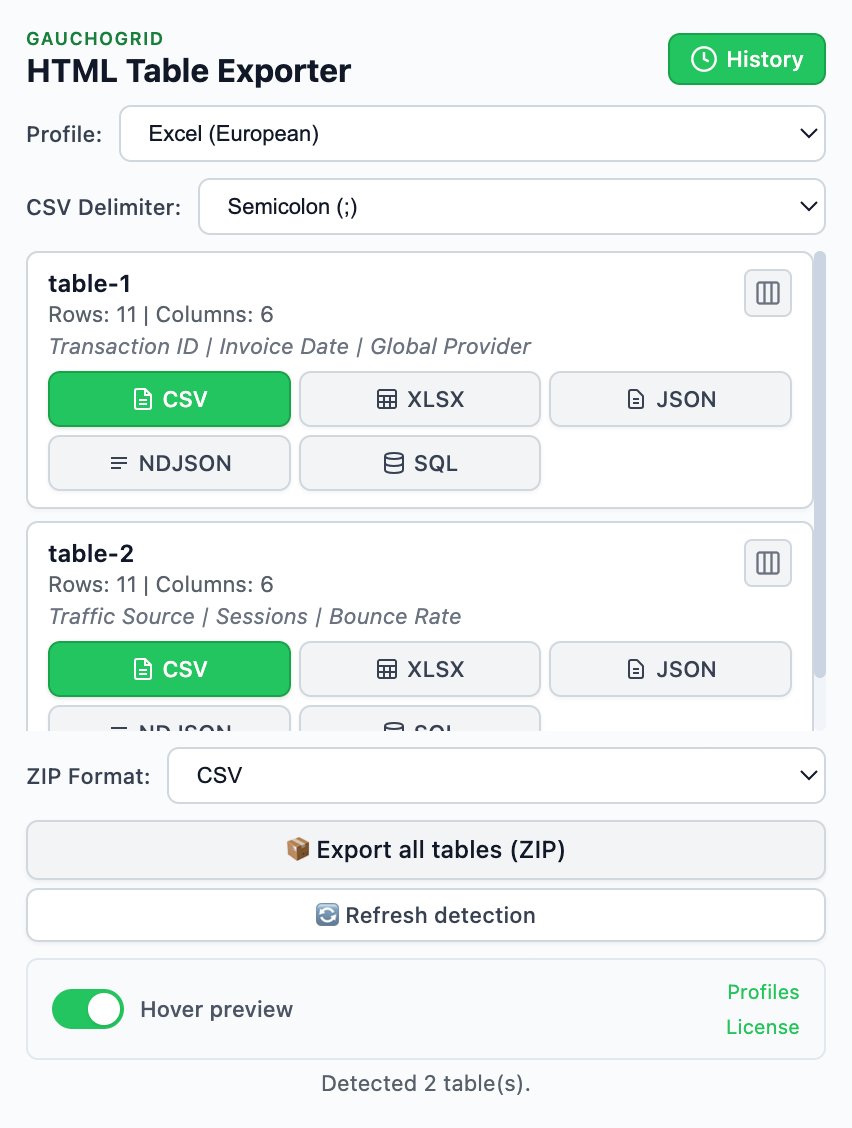
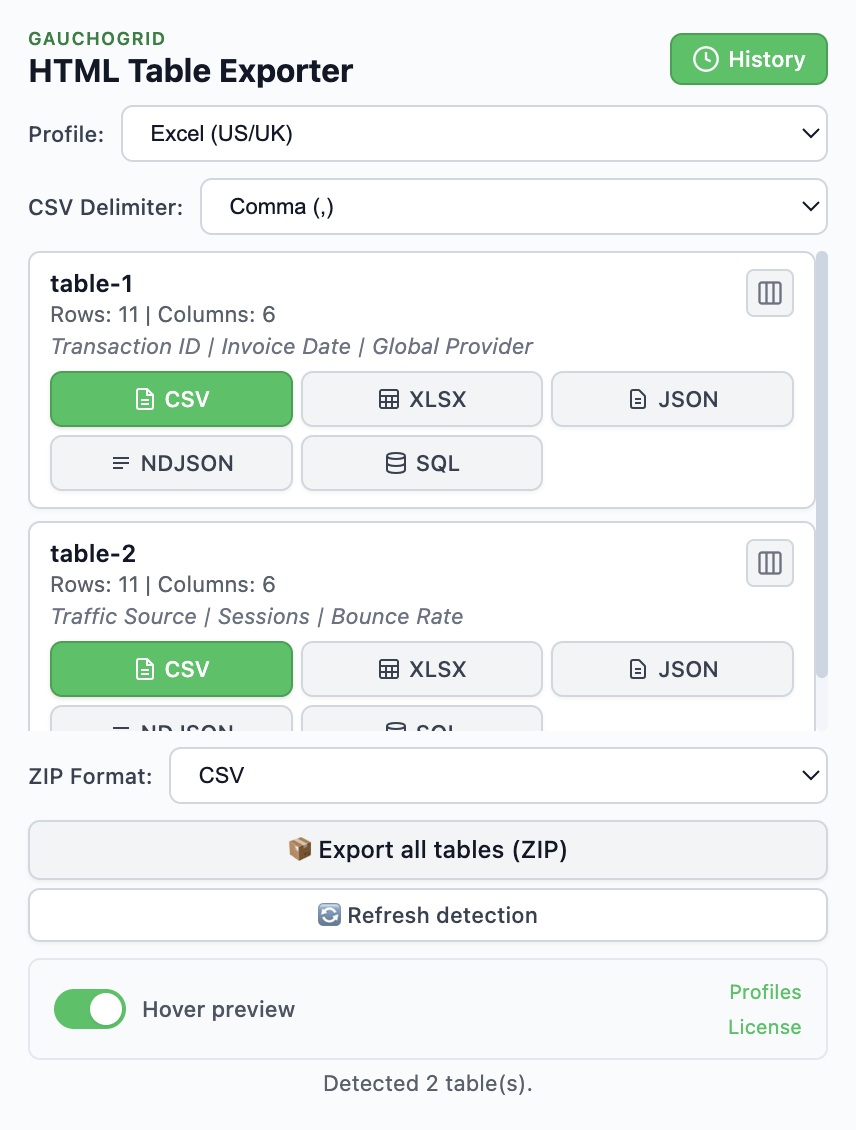
HTML Table Exporter has a modern, minimal interface. Tables are detected automatically, export buttons are prominent, and profiles let you save your preferred settings for one-click exports.
Table Capture has been around longer and shows its age. The interface is more cluttered, with many icons and options visible at once. It includes a "Workshop" feature for complex table scenarios that adds power but also complexity.
For quick exports, HTML Table Exporter is faster. For complex scenarios like div-based tables or multi-page captures, Table Capture's Workshop feature may be necessary.
Privacy and permissions
Both extensions process table data locally. But there's a significant difference in what else they collect.
Telemetry and analytics
Table Capture includes Google Analytics tracking. This means usage data—which features you use, how often you export, what sites you visit—is collected and sent to Google's servers.
HTML Table Exporter collects nothing. No analytics, no telemetry, no usage metrics. We don't know how many tables you export, which sites you use it on, or how often you open the extension. Zero data collection means zero data to leak, sell, or misuse.
Network permissions
- HTML Table Exporter has no network permissions at all. It literally cannot make network requests. Your data stays in your browser, period.
- Table Capture requires network permissions for Google Sheets integration, auto-paging features, and analytics. Even if you don't use Sheets or auto-paging, the analytics still run.
Why this matters
If you work with sensitive data (financial reports, medical records, proprietary business data), an extension that can't phone home provides stronger guarantees than one that chooses not to.
Which should you choose?
Quick decision guide
Need Google Sheets or PDF capture? → Table Capture.
Need unlimited rows, data cleaning, or SQL export? → HTML Table Exporter.
Choose Table Capture if:
- You need direct Google Sheets integration
- You capture tables from PDFs
- You need auto-paging for multi-page tables
- Your tables are always under 250 rows and you want free exports
- You need the Workshop for complex div-based tables
Choose HTML Table Exporter if:
- You work with large tables (no row limits on any tier)
- You need NDJSON or SQL export for data pipelines
- You want automatic data cleaning and normalization
- You export frequently and want profiles to save time
- You need export history to track what you've extracted
- Privacy is critical (no network permissions, zero telemetry)
- You don't want your usage tracked by Google Analytics
- You prefer a modern, minimal interface
Our honest take
Table Capture is a solid extension that's been around for years. It has features we don't (Google Sheets, PDF capture, auto-paging). If you need those specific capabilities, use Table Capture.
We built HTML Table Exporter because we wanted better data quality out of the box—automatic cleaning, consistent formatting, and no row limits getting in the way. If you spend time cleaning exported data in Excel or Python, our PRO tier pays for itself quickly.
Try both free tiers and decide for yourself.
Try HTML Table Exporter free
Export unlimited rows in CSV, Excel, and JSON. No account required, no row limits, zero tracking.
No account required · Works offline · Switch in 30 seconds