Data Miner Alternative: Export Tables Without Recipes
Data Miner is a powerful web scraping tool with recipes, pagination, and complex extraction patterns. But if you just need to export a table from a webpage, it's overkill. Here's a simpler alternative.
Simpler alternative: HTML Table Exporter — no account required, no recipes to learn, no page limits. Click, select format, done.
When Data Miner is overkill
Data Miner is designed for power users who need to:
- Build reusable scraping "recipes" for similar pages
- Extract data from non-table structures (lists, cards, grids)
- Paginate through multiple pages automatically
- Share extraction patterns with team members
But for most table export tasks, this complexity is unnecessary:
The 80/20 of table exports
80% of table export needs are simple: see a table on a website, want it in Excel. You don't need recipes, accounts, or complex configuration for this.
Data Miner friction points
- Account required — Must create an account to use, even for free features
- 500 page limit — Free tier limits you to 500 pages per month
- Learning curve — Recipe creation requires understanding XPath or CSS selectors
- Slow for one-off exports — Setting up extraction takes longer than manual copy-paste for single tables
Feature comparison: Data Miner vs HTML Table Exporter
| Feature | Data Miner | HTML Table Exporter |
|---|---|---|
| Account Required | Yes | No |
| Free Page Limit | 500/month | Unlimited |
| Recipe System | ✓ Powerful | Not needed |
| Time to First Export | Minutes (setup) | Seconds |
| CSV Export | ✓ Free | ✓ Free |
| Excel Export | ✓ Free | ✓ Free |
| JSON Export | ✓ Free | ✓ Free |
| NDJSON Export | ✗ | ✓ PRO |
| SQL Export | ✗ | ✓ PRO |
| Non-Table Extraction | ✓ Yes | Tables only |
| Auto-Pagination | ✓ Yes | ✗ |
| Privacy | Account + tracking | Zero tracking |
Just need to export a table? No recipes needed
Which tool for which task
Use Data Miner when you need to:
- Scrape the same type of page repeatedly (product listings, search results)
- Extract data from non-table HTML (cards, lists, custom layouts)
- Paginate through dozens or hundreds of pages
- Share extraction patterns with colleagues
Use HTML Table Exporter when you need to:
- Export an HTML table you're looking at right now
- Quick one-off exports without setup
- Work with sensitive data (no account, no tracking)
- Export to NDJSON or SQL for data pipelines
- Avoid page/month quotas
They can coexist
You don't have to choose one. Use HTML Table Exporter for quick table exports, Data Miner for complex scraping projects. They solve different problems.
How to export tables without Data Miner
Install HTML Table Exporter
Add to Chrome — no account, no signup, works immediately.
Go to any page with tables
Navigate to the page with the data you need. Click on the table you want to export.
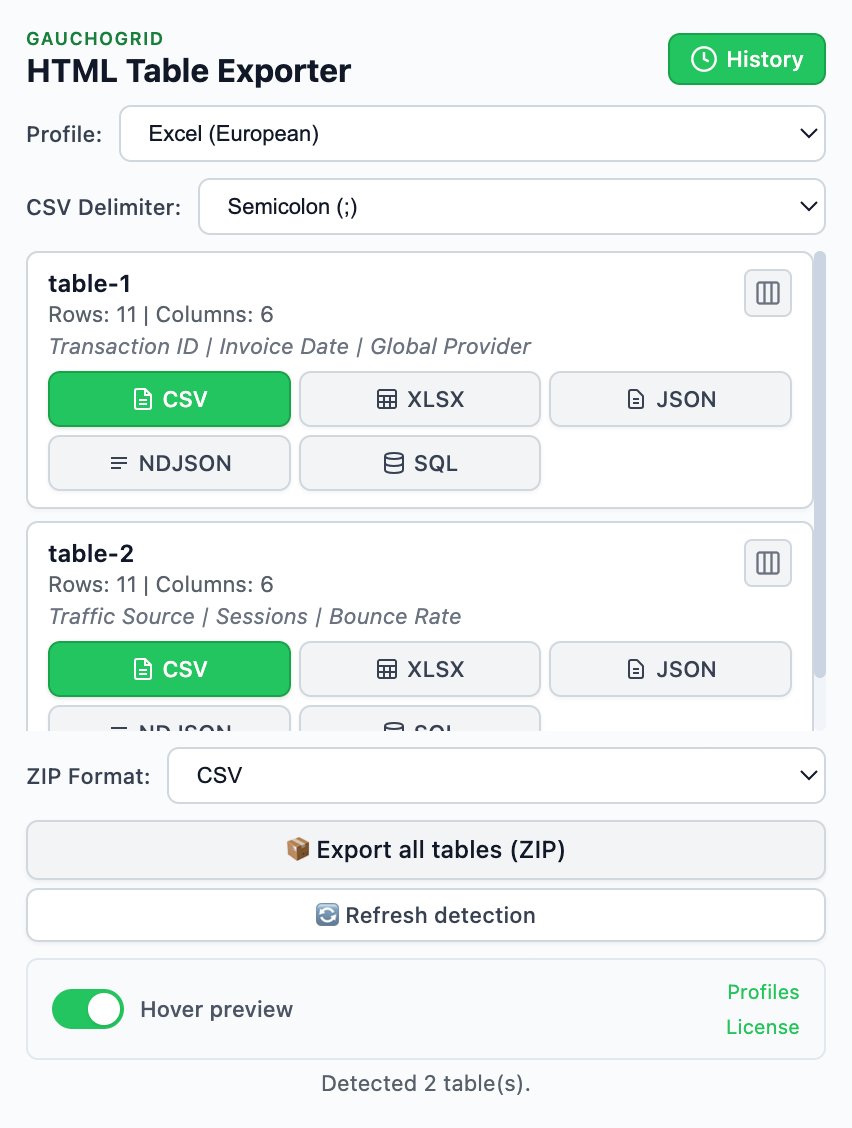
Click the extension, pick a format
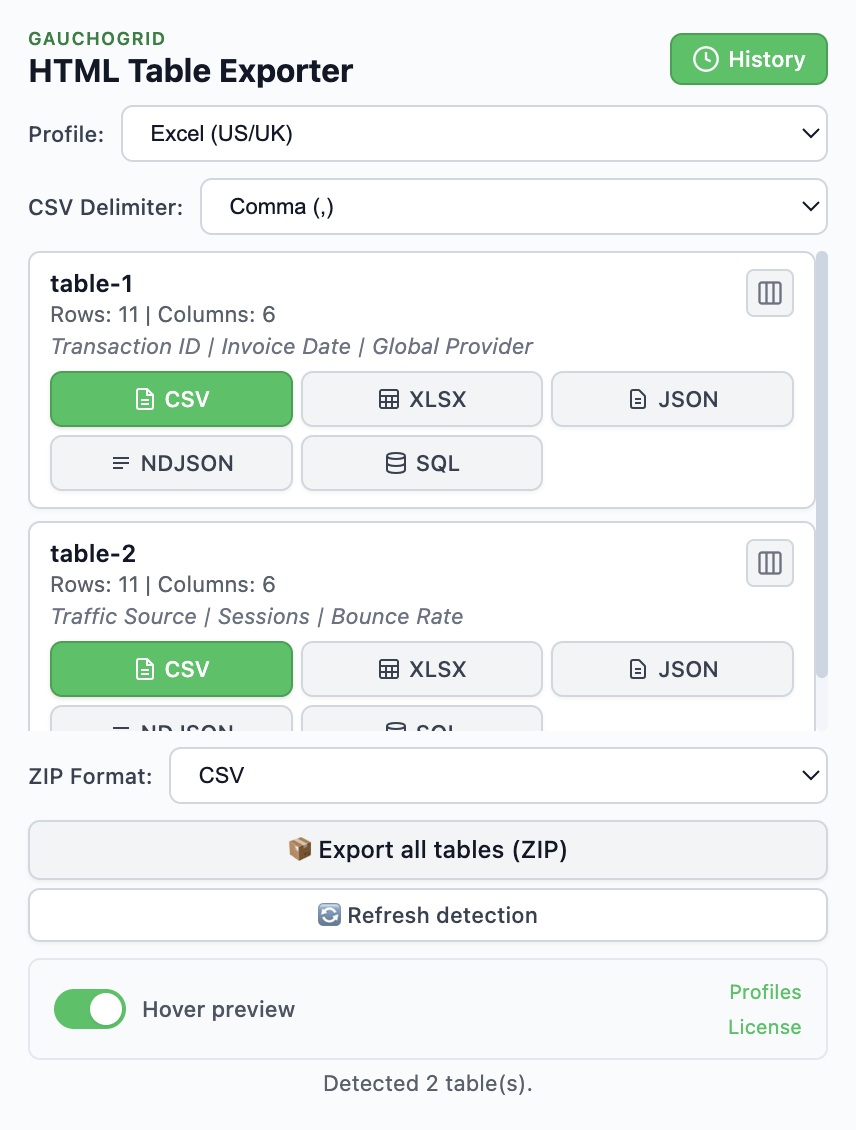
All tables are detected automatically. Click CSV, XLSX, or JSON. File downloads immediately.
No recipes. No XPath. No selectors. No account. Just click and export.
When Data Miner is still the right choice
Data Miner excels at things HTML Table Exporter doesn't do:
- Complex extraction patterns — When data isn't in HTML tables
- Reusable recipes — For repetitive scraping of similar pages
- Multi-page scraping — Automatic pagination through results
- Team collaboration — Sharing recipes across an organization
If you need these features, Data Miner is worth the learning curve. For everything else, HTML Table Exporter is faster and simpler.
Skip the complexity
Export HTML tables quickly. No account, no recipes, no row limits on free tier.
No recipes needed · Export in seconds · Zero learning curve